How NOC247 covered a 40-person Texas MSP overnight and on weekends
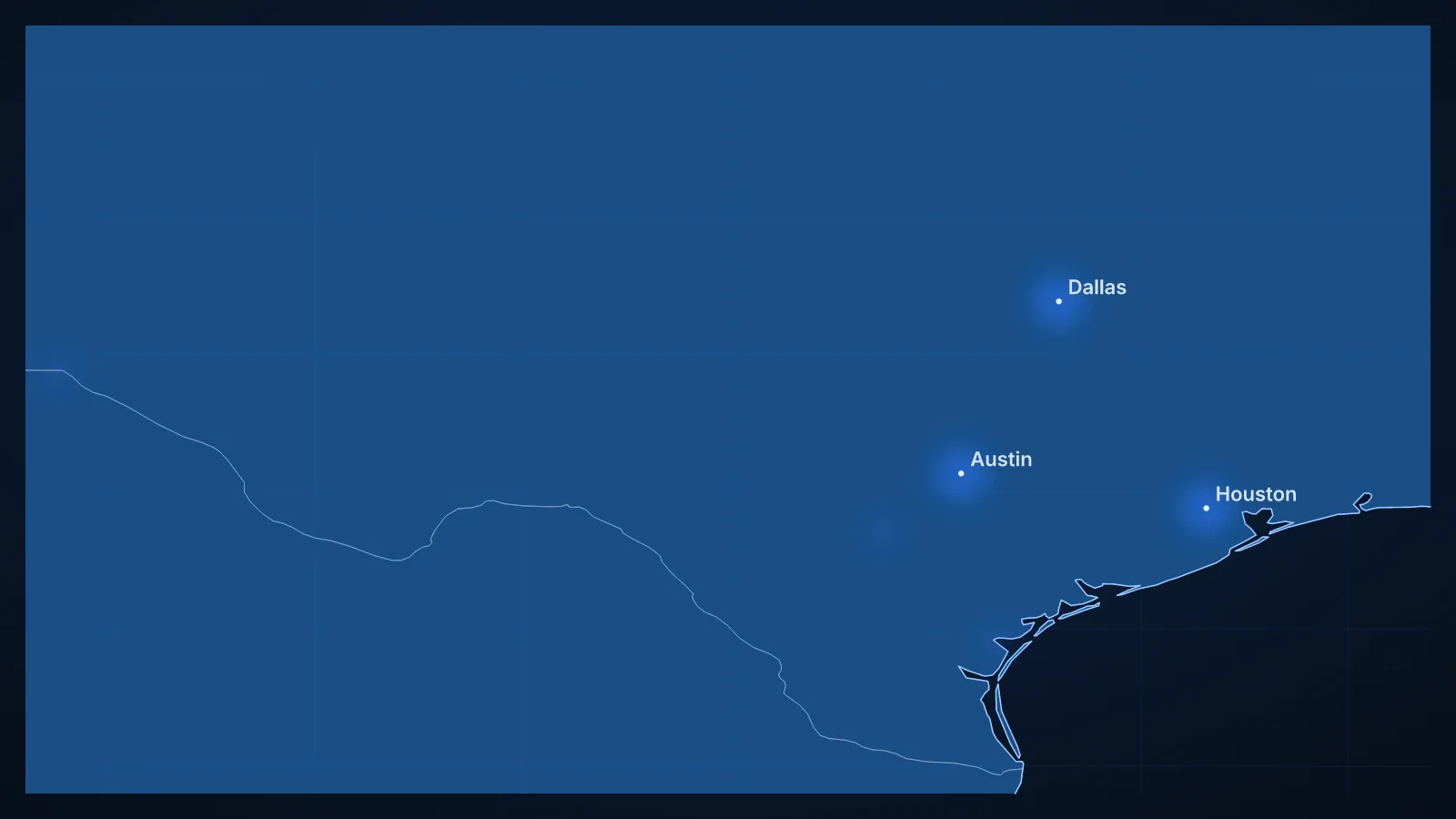
A 40-person MSP in Texas ran a solid day desk and a phone after 6 PM. Three senior engineers took the on-call rotation one week in three, and the owner was the second line. NOC247 took that phone for nights, weekends and US holidays, inside the MSP's own ConnectWise tenant, and handed the queue back each morning with a named owner on every open ticket.
The engagement at a glance
40
MSP profile. Regional MSP in Texas, 40 people, 14 in service delivery
Clients. 45 client organisations, 10 to 120 seats each
1,200
Endpoints. 1,200, of which about 70 are servers
Tool stack. ConnectWise Automate (RMM), ConnectWise Manage (PSA), Auvik for network monitoring, Veeam Backup & Replication on most servers
Hours the MSP staffed. 7:00 AM to 6:00 PM Central, Monday to Friday
After-hours cover before. A shared on-call phone, rotating across three senior engineers
61
Window NOC247 covered. 6:00 PM to 7:00 AM on weeknights, and Friday 6:00 PM to Monday 7:00 AM, which is 61 hours
Coverage. Out-of-hours and holidays; business hours stayed with the MSP's own desk
The challenge
Alerts from Automate reached the on-call engineer by email and text. Backup results landed in a shared mailbox that someone read at 7:30 AM. A VPN flap at 2 AM and a failed domain-controller backup looked identical on a phone screen, so the engineer either got up for both or for neither.
The on-call engineer still had a full day ahead. A missed P1 on a line-of-business server is the kind of thing that ends a contract, and that was the pressure the MSP asked NOC247 to take off the rota.
How NOC247 onboarded this MSP
Onboarding followed NOC247's published path for an MSP with one RMM and one PSA, and this MSP was live in 7 to 10 business days.
- Discovery (90 minutes). The MSP's operations lead, its service delivery manager, an NOC247 implementation lead and a senior shift lead walked through the client roster, endpoint counts, alert pain, the on-call rotation and the client-specific SLAs.
- Monitor ingestion and audit. NOC247 created least-privilege technician accounts in Automate and Manage and exported every monitor and alert rule. The audit flagged noisy monitors, gaps and wrong thresholds, and the duplicate alerts that Automate and Auvik were both raising. NOC247 recommended the changes; the MSP approved them.
- Runbook and priority table. Priorities were mapped per client. A file-server outage at a 120-seat client is a P1; the same outage at a ten-person office is a P2. Escalation contacts, approval chains, maintenance windows and patch catalogues were loaded.
- Two to three shadow shifts. NOC247 watched the live alert feed, wrote triage notes into a queue only the MSP could see, and touched nothing in production. The operations lead reviewed the notes and corrected the runbook.
- Go-live and 30-day calibration. NOC247 took the queue under the runbook. For the first 30 days there was a weekly 30-minute session on every escalation, runbook change and threshold that was tuned.
How nights and weekends were worked
Each afternoon the MSP sent a handover package: open tickets, maintenance windows, known-noisy alerts and the on-call roster. NOC247 acknowledged it and took the queue at 6:00 PM Central. At 7:00 AM the shift lead handed it back, with a named owner and a next action on every ticket that was still open.
Through the night the work followed the runbook, not a guess:
- A patch window that finished clean was closed as informational. Nobody was called.
- A failed Veeam job was read from the job log. Tier 2 applied the approved action only when that cause was already on the list, and the ticket stayed open until the result was checked. The overnight backup flow is the same one described in how overnight backup failures are handled.
- Repeated VPN flaps that lined up with an ISP fault were ticketed as a P2 with the evidence attached, and the on-call engineer was left asleep.
- A line-of-business service that stopped, was restarted per runbook, and stopped again was escalated. NOC247 phoned the on-call engineer with the MSP's greeting and a context packet: timeline, diagnostics, what had already been tried, and a recommended next step.
Permissions and escalation
Layer
Tier 1
What happened
Validated the alert, ran the documented diagnostic, closed noise
Who acted
NOC247 analyst
Layer
Tier 2
What happened
Applied known-good remediations written into the MSP's runbook
Who acted
NOC247 analyst
Layer
Tier 3
What happened
Escalated to the MSP's engineers with the steps already attempted
Who acted
MSP on-call engineer
Layer
Stayed with the MSP
What happened
Client approvals, commercial decisions and anything outside the agreed runbook
Who acted
MSP
Every action was written in the MSP's own PSA under its technician identity.
What was specific to this MSP
- On-call order. The escalation tree names who is called, in what order and after how many minutes. The owner is the third call, not the first.
- Time zones. A few clients sit in Mountain or Pacific time. Each client's local hours are in the runbook, and daylight-saving changes are in the maintenance-window calendar.
- Holidays. US public holidays are inside the covered window, at base pricing.
- Client terms. Law and healthcare clients that need a client-specific NDA, or a limit on which analysts can touch them, were raised in discovery. BAAs stay between the MSP and its client.
The morning report
The report the day desk received covered alerts received, tickets created and closed, actions taken with the ticket ID and the approval reference, items that needed a person ranked by urgency, recurring alerts with a tuning proposal, and near-misses. It is built from the MSP's PSA timestamps, so each line traces to a ticket the MSP can open.
What changed
| Before | After |
|---|---|
| After 6 PM the estate sat on a shared phone | NOC247 took the queue at handover and held it until 7:00 AM |
| Backup results waited in a mailbox until the morning | Failed jobs were read, acted on under the runbook, and written up before handover |
| A flap and a failed server backup looked the same on a phone | Noise was ticketed with the evidence; a repeated production failure became a phone call |
| The owner was the person most likely to be woken | The named on-call engineer is called first, with the context packet already filled in |
See your own version
The quickest way to see how much of your overnight noise needs a person is to send us a week of it. The free After-Hours Alert Audit separates the pages that needed a human from the noise, using your export.
Related: ConnectWise NOC · Managed NOC services for MSPs · Pricing · How to choose a white-label NOC partner
FAQ (for FAQPage schema)
Can NOC247 cover only nights, weekends and holidays? Yes. The Out-of-Hours Support option on the pricing page covers everything outside business hours, so the MSP's own team keeps the day desk. Full 24×7 cover is also available.
Does NOC247 work inside ConnectWise Automate and Manage? Yes. On this engagement NOC247 worked inside ConnectWise Automate and ConnectWise Manage with a dedicated technician account, and created and updated tickets under the MSP's identity. See ConnectWise NOC.
What did the first month include? Discovery, a monitor audit, runbook mapping and two to three shadow shifts, then go-live. For the first 30 days there was a weekly 30-minute calibration session to review escalations and tune thresholds.
Did the MSP's clients know NOC247 was involved? No. Tickets, phone greetings and technician identities stayed under the MSP's brand, and the client relationship stayed with the MSP.